

My PowerShell module to control logging of various Citrix components is now available in version 0.3. With it comes support to control Citrix StoreFront tracing.
If you have to troubleshoot Citrix StoreFront your first stop should be the “Citrix Delivery Services” event log. You will see tons of information there if something goes wrong. But if this is not enough, you can enable StoreFront tracing. This will produce several log files in C:\Program Files\Citrix\Receiver StoreFront\Admin\Trace.
You don’t want to read them with Notepad, because they are in Win32 debug format. But you have options:
- Download the Windows Communication Framework and extract SvcTraceViewer.exe from it. I am not permitted to host it myself and thus can’t offer you a direct link
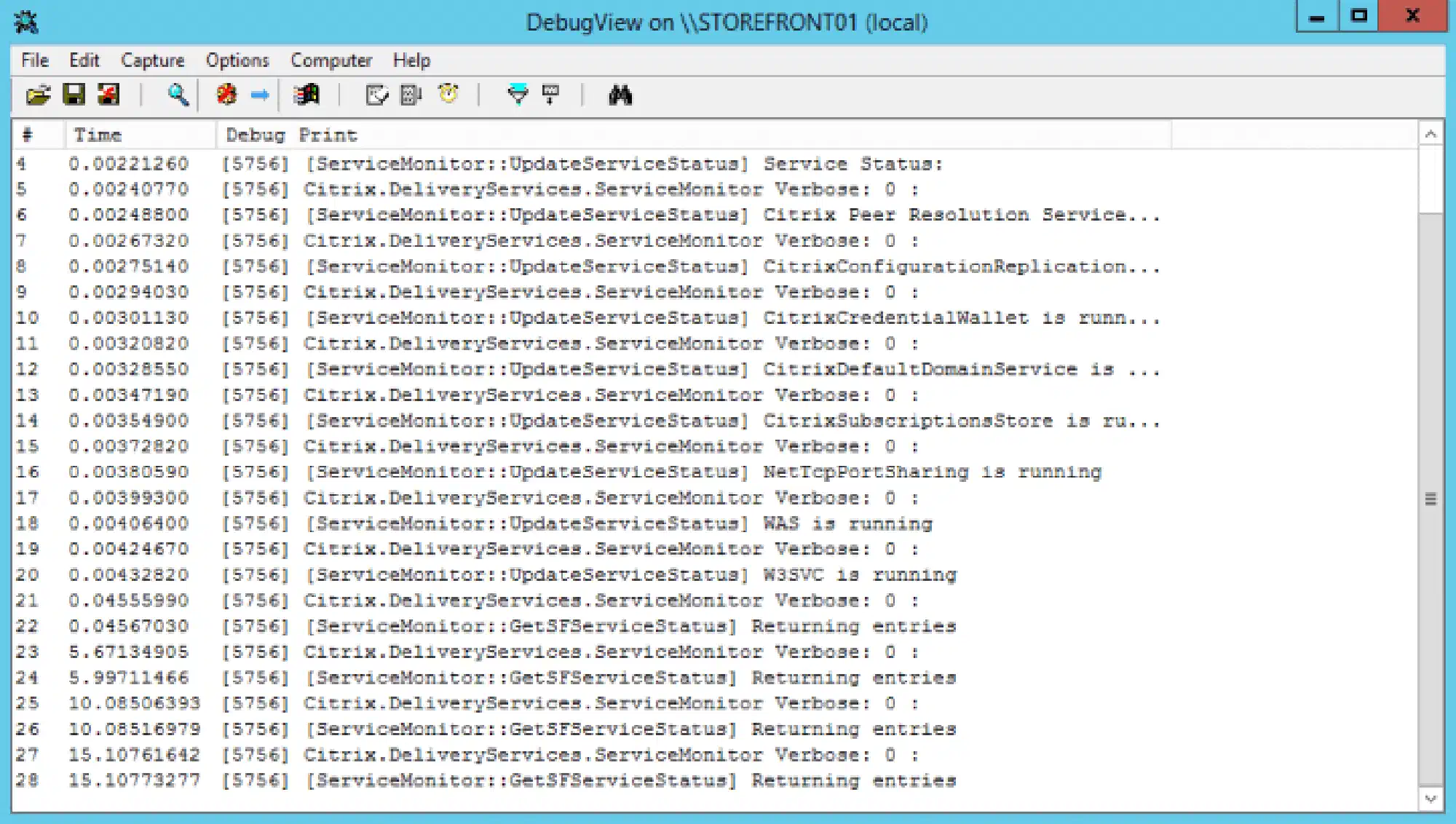
- Use Sysinternals DebugView to capture the Win32 debug stream: https://live.sysinternals.com/Dbgview.exe
The DebugView looks like this:
Back to PowerShell. The module now consists of two more cmdlets:
- Enable-CTXStorefrontLogging
- Disable-CTXStorefrontLogging
There are no parameters in place. So just go ahead and update the module to version 0.3:
Update-Module -Name CTXLoggingNot yet installed? No PowerShell 5 in place? Read in my first article about how to install the module.