The central GPO store is a folder where you put in all your .admx and .adml files which then get replicated to all other domain controllers. It’s an optional part when setting up your lab. But I like the idea of centralization and storing files only one time, that’s why I added it to my automation.
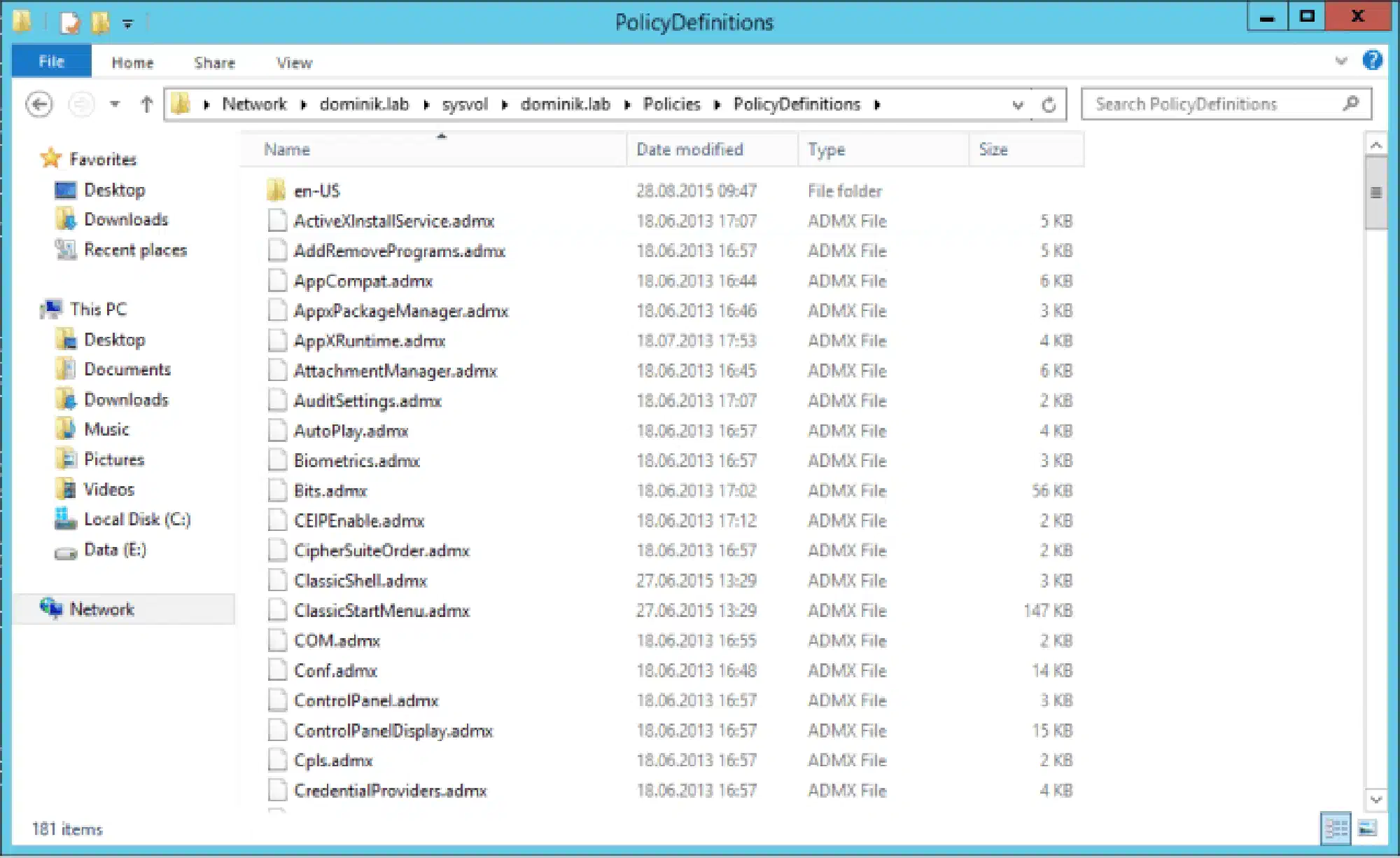
Install-LabCentralGPOStore.ps1:
<#
     .SYNOPSIS
     This script will set up a central GPO store in your lab

     .NOTES
     You need a Windows Server 2012 R2 for this script to work.
     This script is part of a series to automate your lab on www.dominikbritz.com
#>

#Requires -Version 3
#Requires -RunAsAdministrator

###
### Script
###
Try
{
  New-Item -Path "\\$env:userdnsdomain\SYSVOL\$env:userdnsdomain\policies\PolicyDefinitions" -ItemType Directory -Force -ErrorAction Stop
  Copy-Item -Path "$env:LOGONSERVER\c$\Windows\PolicyDefinitions\*" -Destination "\\$env:userdnsdomain\SYSVOL\$env:userdnsdomain\policies\PolicyDefinitions" -Recurse -ErrorAction Stop
}
Catch
{
  Throw $_
}