
I have a very slow internet connection at home and need a WSUS server in my lab to save bandwidth and time. To automate WSUS you need PowerShell and an executable.
As in all my scripts in this series you can customize the installation with variables. In order to install WSUS we need only two, one which specifies the partition and one for the folder where WSUS files should be stored. If the folder does not exist the script will create it for you. I recommend not to use the partition C: as WSUS needs a lot of space for saving all Windows update files.
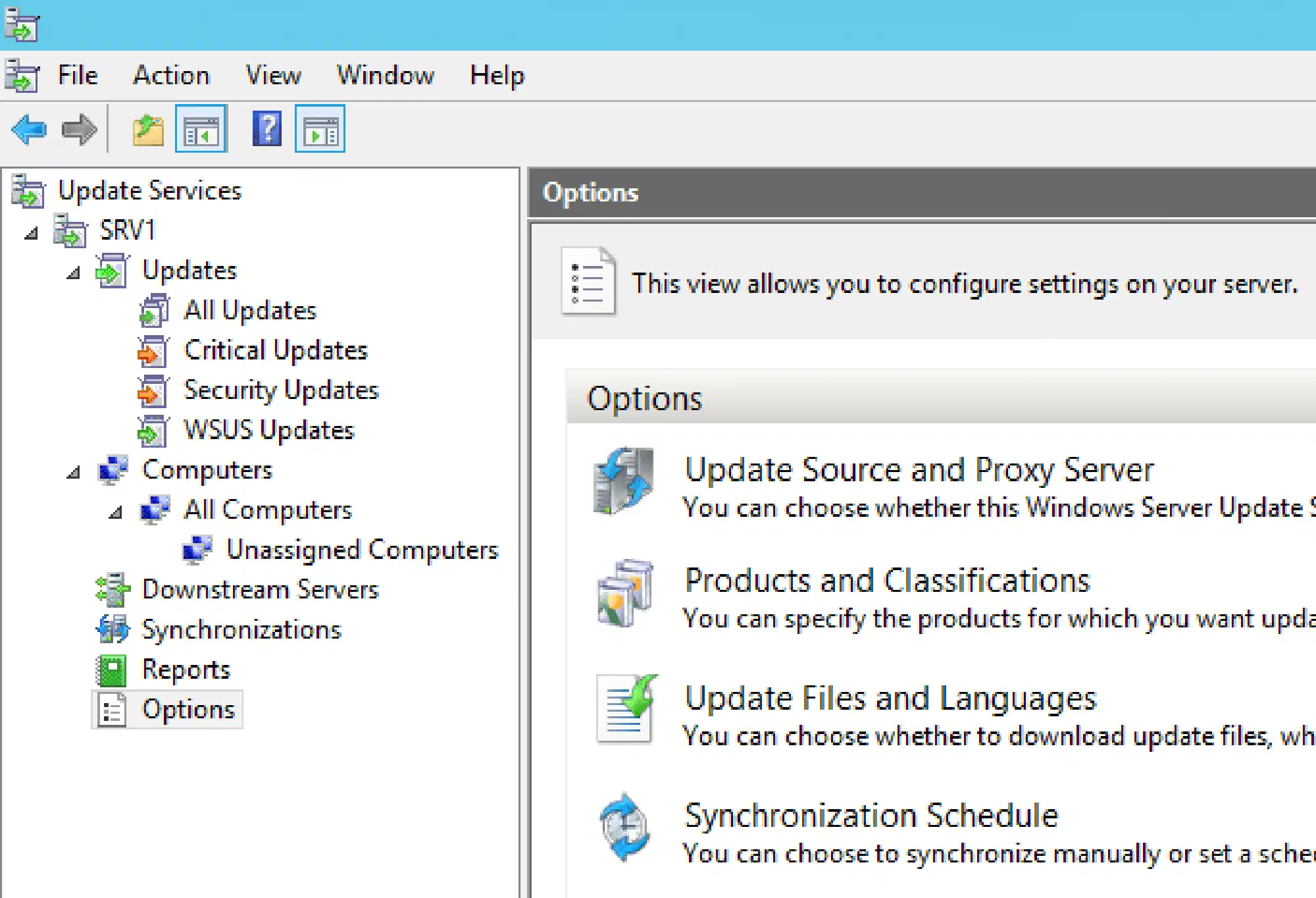
Install-LabWSUS.ps1:
<#
     .SYNOPSIS
     This script will install Windows Server Update Services (WSUS) in your lab

     .NOTES
     You need a Windows Server 2012 R2 for this script to work.
     This script is part of a series to automate your lab on www.dominikbritz.com
#>

#Requires -Version 3
#Requires -RunAsAdministrator

###
### Variables
###
$WSUSPartition = 'E:'
$WSUSFolder = 'WSUS'
$Products = @("Windows Server 2012 R2")

###
### Script
###
Try
{
    If (-not (Test-Path $(Join-Path $WSUSPartition $WSUSFolder)))
    {
        New-Item -Path $WSUSPartition -Name $WSUSFolder -ItemType Directory
    }
    Write-Output "Start WSUS installation"
    Install-WindowsFeature -Name UpdateServices -IncludeManagementTools
    Start-Process $(Join-Path $env:ProgramFiles 'Update Services\Tools\wsusutil.exe') -Argumentlist "postinstall CONTENT_DIR=$(Join-Path $WSUSPartition $WSUSFolder)" -Wait

    Write-Output "Start WSUS configuration"
    $WSUS = Get-WSUSServer
    $WSUSConfig = $WSUS.GetConfiguration()
    Set-WsusServerSynchronization -SyncFromMU
    $WSUSConfig.AllUpdateLanguagesEnabled = $false
    $WSUSConfig.SetEnabledUpdateLanguages("en")
    $WSUSConfig.Save()
    $Subscription = $WSUS.GetSubscription()
    $Subscription.StartSynchronizationForCategoryOnly()

    While ($Subscription.GetSynchronizationStatus() -ne 'NotProcessing') {
        Write-Host "." -NoNewline
        Start-Sleep -Seconds 5
    }

    Get-WsusServer | Get-WsusProduct | Where-Object -FilterScript {$_.product.title -match "Office"} | Set-WsusProduct -Disable
    Get-WsusServer | Get-WsusProduct | Where-Object -FilterScript {$_.product.title -match "Windows"} | Set-WsusProduct -Disable

    Foreach ($Product in $Products)
    {
        Get-WsusServer | Get-WsusProduct | Where-Object -FilterScript {$_.product.title -match $Product} | Set-WsusProduct
    }

    Get-WsusClassification | Where-Object {
        $_.Classification.Title -in (
        'Critical Updates',
        'Definition Updates',
        'Feature Packs',
        'Security Updates',
        'Service Packs',
        'Update Rollups',
        'Updates',
        'Upgrades')
    } | Set-WsusClassification

    $Subscription.SynchronizeAutomatically=$true

    Write-Output "Set synchronization scheduled for midnight each night"
    $Subscription.SynchronizeAutomaticallyTimeOfDay= (New-TimeSpan -Hours 0)
    $Subscription.NumberOfSynchronizationsPerDay=1
    $Subscription.Save()

    Write-Output "Kick Off Synchronization"
    $Subscription.StartSynchronization()
    Write-Output "Sleep a minute"
    Start-Sleep -Seconds 60

    Write-Output "Monitor Progress of Synchronisation"
    While ($Subscription.GetSynchronizationProgress().ProcessedItems -ne $Subscription.GetSynchronizationProgress().TotalItems) {
	    Write-Host "." -NoNewline
        Start-Sleep -Seconds 5
    }

    Write-Output "Load .NET assembly"
    [void][reflection.assembly]::LoadWithPartialName("Microsoft.UpdateServices.Administration")
    $count = 0

    Write-Output "Connect to WSUS Server"
    $updateServer = [Microsoft.UpdateServices.Administration.AdminProxy]::getUpdateServer($env:COMPUTERNAME,$false,8530)

    Write-Output "Decline superseded updates"

    $updatescope = New-Object Microsoft.UpdateServices.Administration.UpdateScope
    $Updates=$updateServer.GetUpdates($updatescope)

    foreach ($Update in $Updates )
    {
        if ($Update.IsSuperseded -eq 'True')
        {
            $Update.Decline()
            $count=$count + 1
        }
    }
    Write-Output "Total Declined Updates : $count"

    Write-Output "Configure and run default approvalrule"
    [void][reflection.assembly]::LoadWithPartialName("Microsoft.UpdateServices.Administration")
    $rule = $WSUS.GetInstallApprovalRules() | Where-Object {
        $_.Name -eq "Default Automatic Approval Rule"}
    $class = $WSUS.GetUpdateClassifications() | Where-Object {$_.Title -In (
        'Critical Updates',
        'Definition Updates',
        'Feature Packs',
        'Security Updates',
        'Service Packs',
        'Update Rollups',
        'Updates',
        'Upgrades')}
    $class_coll = New-Object Microsoft.UpdateServices.Administration.UpdateClassificationCollection
    $class_coll.AddRange($class)
    $rule.SetUpdateClassifications($class_coll)
    $rule.Enabled = $True
    $rule.Save()
    $rule.ApplyRule()

    Write-Output "Finished"
}
Catch
{
    Throw $_
}