

I need a certificate authority (CA) for several things in my labs. E.g. for a SSL secured Citrix StoreFront base URL - load balanced by a NetScaler. Only a few PowerShell commands are necessary to set up an AD integrated CA with the web enrollment component.
$CACommonName => You have to give the CA a name, mine is “dominik-lab-CA”.
$HashAlgorithmName => The default hash algorithm is SHA1 and this is normally enough for a lab, but Google Chrome doesn’t like SHA1 and you won’t get that nice green https in your address bar:
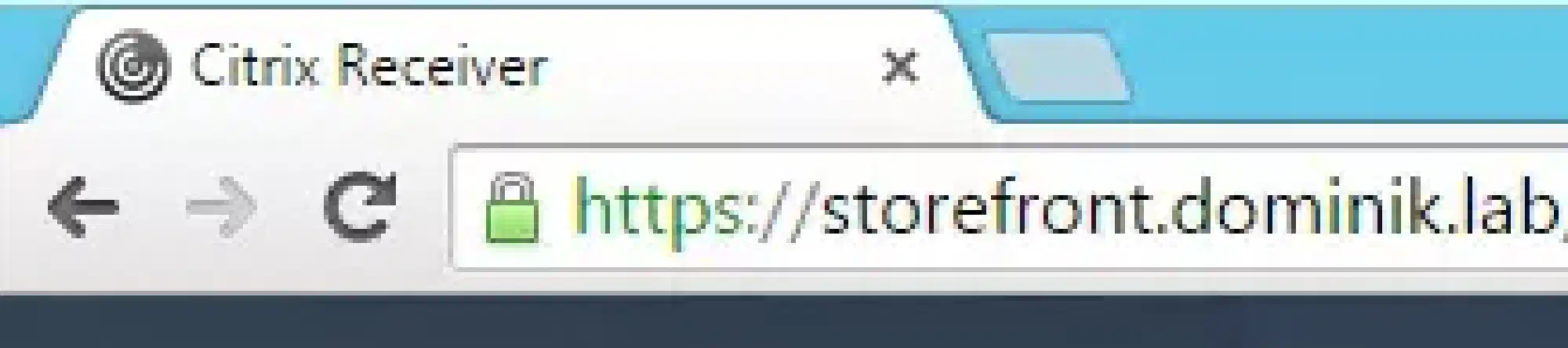
Therefore I choose SHA256 instead. SHA512 is also possible but there are some rumors that there are problems with NetScaler VPX which I use in my lab.
$KeyLength => Next is key length. Most of the Citrix and VMware products require a key length of 2048 bits so I choose this.
$PeriodOfValidity => The default period of validity is two years - I prefer five years instead (although my lab will never get that old 😉)
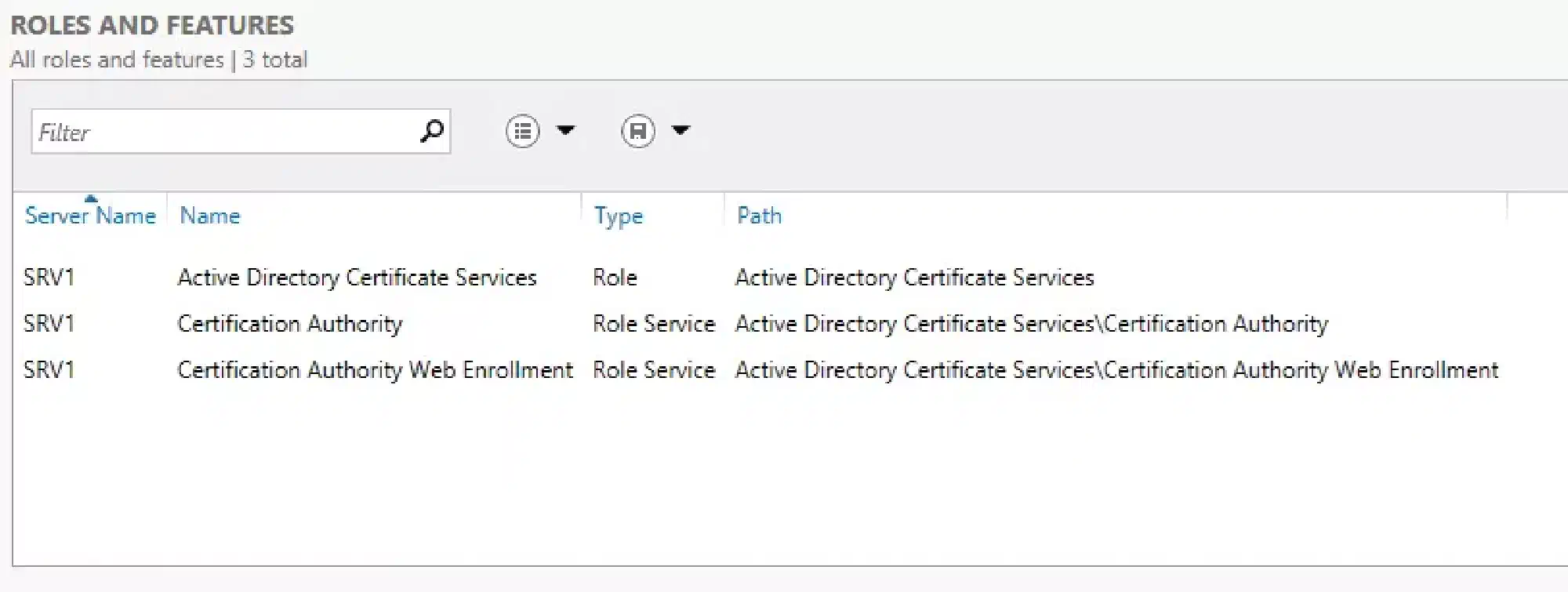
Your Server Manager should look like this when the script has finished:
Install-LabCA.ps1:
<#
     .SYNOPSIS
     This script will install an AD integrated certificate authority with web enrollment in your lab

     .NOTES
     You need a Windows Server 2012 R2 for this script to work.
     This script is part of a series to automate your lab on www.dominikbritz.com
#>

#Requires -Version 3
#Requires -RunAsAdministrator

###
### Variables
###
$CACommonName = 'dominik-lab-CA'
$HashAlgorithmName = 'SHA256'
$KeyLength = 2048
$PeriodOfValidity = 5 #in years

###
### Script
###
Try
{
    Install-WindowsFeature -Name AD-Certificate -IncludeManagementTools
    Install-AdcsCertificationAuthority -HashAlgorithmName SHA256 -KeyLength $KeyLength -ValidityPeriod Years -ValidityPeriodUnits $PeriodOfValidity -CACommonName $CACommonName -CAType EnterpriseRootCA -Verbose -Force

    Add-WindowsFeature ADCS-Web-Enrollment
    Install-AdcsWebEnrollment -Force
}
Catch
{
    Throw $_
}