
The next step to your automated lab is to set up a DHCP server and to authorize it in your Active Directory. You can customize it completely with variables in the script.
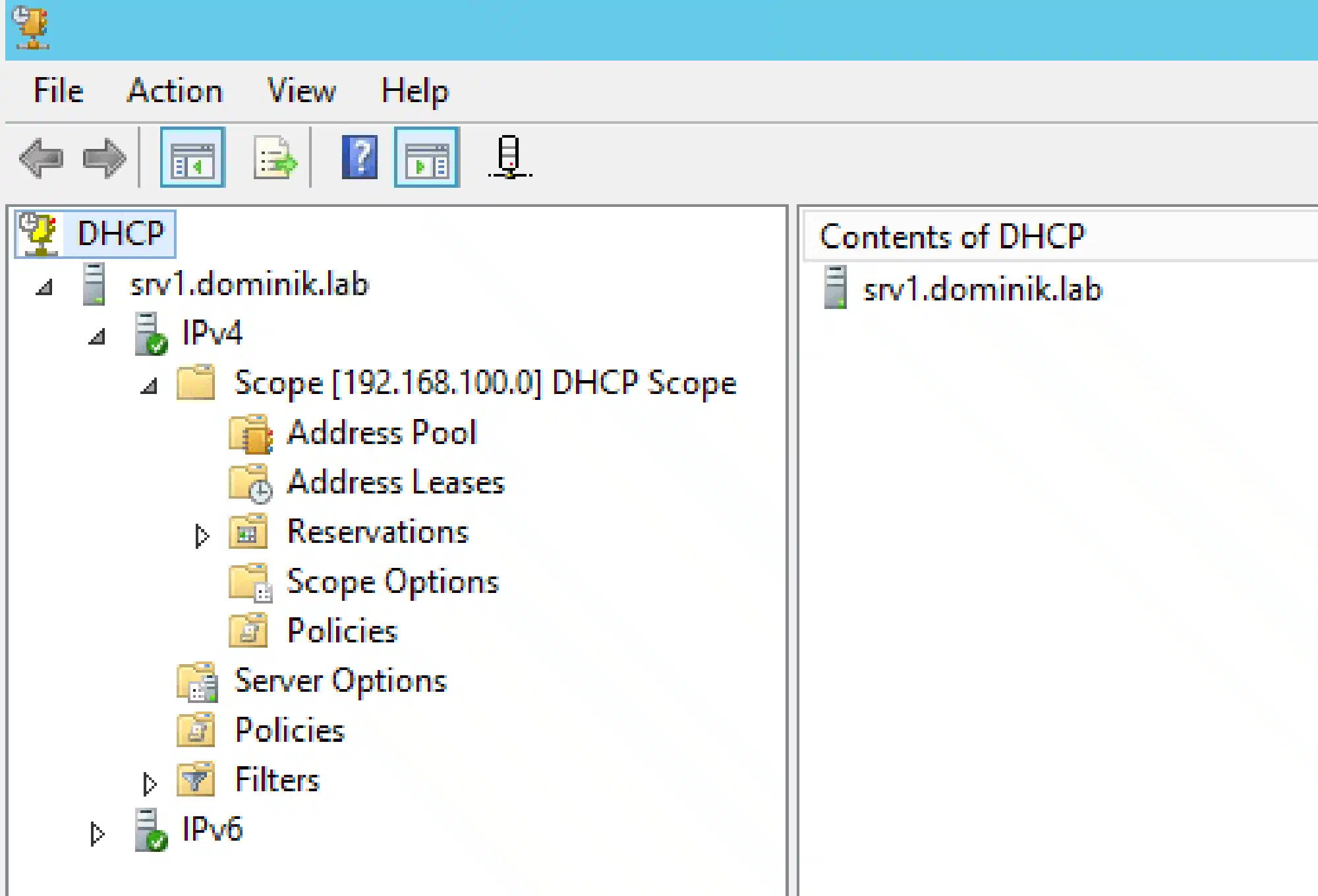
You can define a range for DHCP with the variables $StartRange and $EndRange. Only IPs in that range will be assigned to machines. I make use of that feature in order to have some free IPs for my NetScaler SNIP, load balancer and gateways and I don’t have to worry about double assigned addresses. On top I always use 192.168.137.0/24 because 192.168.137.1 is the default IP of the internal Hyper-V network adapter. Follow this tutorial to set up internet access for Hyper-V VMs with an internal switch and NAT.
For the scripts to work I assume that you have a Windows Server 2012 R2 which will be your domain controller, DNS and DHCP server.
Install-LabDHCP.ps1:
<#
    .SYNOPSIS
    This script will set up a DHCP server and authorize it in your AD

    .NOTES
    You need a Windows Server 2012 R2 for this script to work.
    This script is part of a series to automate your lab on www.dominikbritz.com
#>


#Requires -Version 3
#Requires -RunAsAdministrator


###
### Variables
###
$DNSDomain = 'dominik.lab'
$DNSServerIP = '192.168.137.100'
$DHCPServerIP = '192.168.137.100'
$StartRange = '192.168.137.101'
$EndRange = '192.168.137.254'
$Subnet = '255.255.255.0'
$Router = '192.168.137.1'
$LeaseDuration = '1.00:00:00'


###
### Script
###
Try
{
    Install-WindowsFeature -Name 'DHCP' -IncludeManagementTools
    Start-Process -FilePath cmd.exe -ArgumentList "/c 'netsh dhcp add securitygroups'" -Wait
    Restart-service dhcpserver
    Add-DhcpServerInDC -DnsName $Env:COMPUTERNAME
    Set-ItemProperty -Path registry::HKEY_LOCAL_MACHINE\SOFTWARE\Microsoft\ServerManager\Roles\12 -Name ConfigurationState -Value 2 #Notify the Server Manager that the post-install configuration has been completed successfully
    Add-DhcpServerV4Scope -Name 'DHCP Scope' -StartRange $StartRange -EndRange $EndRange -SubnetMask $Subnet
    Set-DhcpServerV4OptionValue -DnsDomain $DNSDomain -DnsServer $DNSServerIP -Router $Router
    Set-DhcpServerv4Scope -ScopeId $DHCPServerIP -LeaseDuration $LeaseDuration
}
Catch
{
    Throw $_
}