
This is part 2 of my series to automate your lab. In this part I will show you how to deploy an AD integrated DNS server with a forward and a reverse lookup zone.
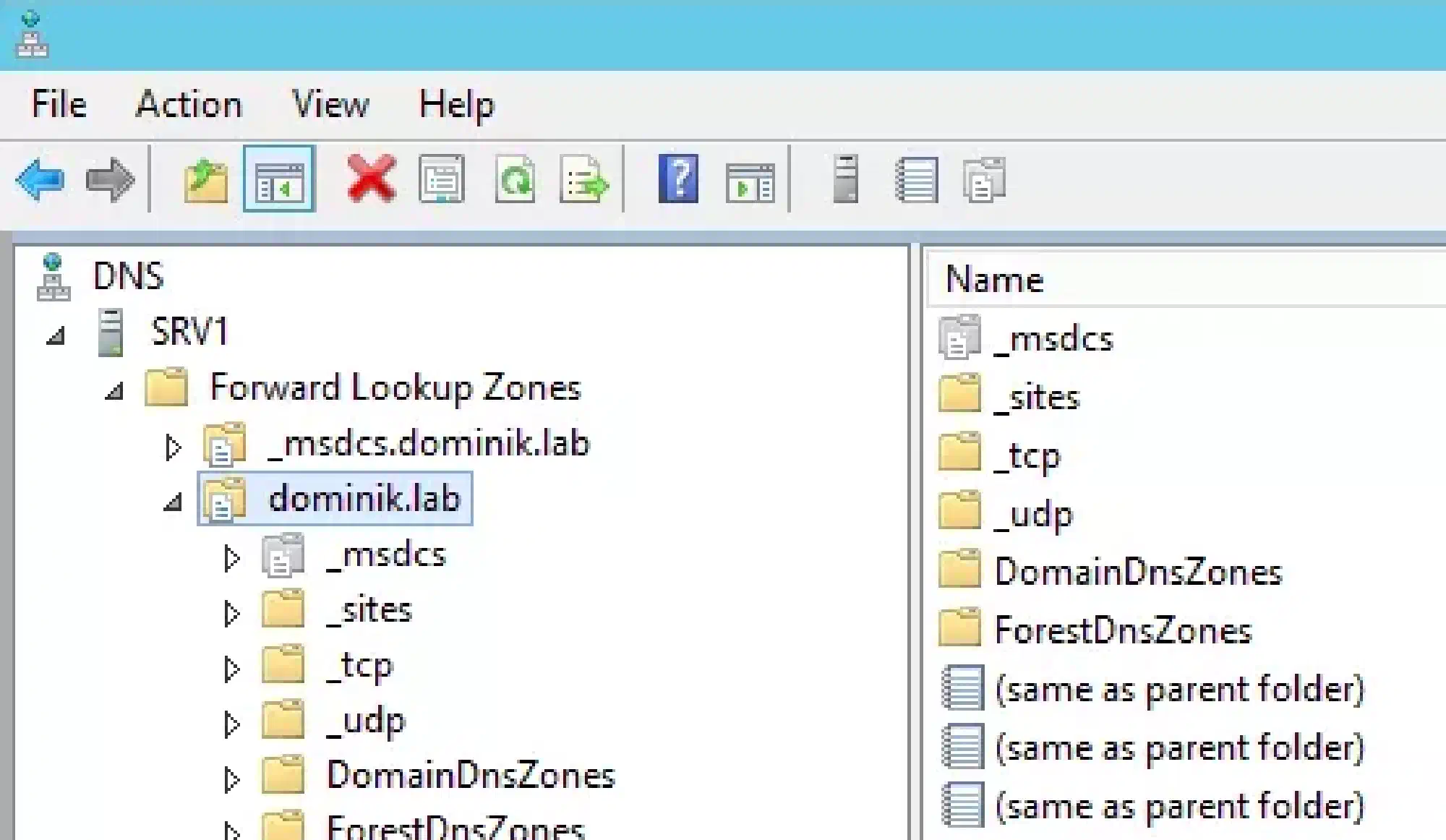
For the scripts to work I assume that you have a Windows Server 2012 R2 which will be your domain controller, DNS and DHCP server.
Install-LabDNS.ps1:
<#
    .SYNOPSIS
    This script will set up AD integrated DNS forward and reverse lookup zones

    .NOTES
    You need a Windows Server 2012 R2 for this script to work.
    This script is part of a series to automate your lab on www.dominikbritz.com
#>


#Requires -Version 3
#Requires -RunAsAdministrator


###
### Variables
###
$Zone = 'dominik.lab'
$NetworkID = '192.168.137.0/24'
$ScavengeServer = '192.168.137.100'
$ZoneAgingName = '137.168.192.in-addr.arpa'


Try
{
    Set-DnsServerPrimaryZone -Name $Zone -ReplicationScope 'Forest'
    Set-DnsServerScavenging -ScavengingState $True -RefreshInterval   7:00:00:00 -NoRefreshInterval   7:00:00:00 -ScavengingInterval 7:00:00:00 -ApplyOnAllZones -Verbose
    Set-DnsServerZoneAging $Zone -Aging $True -NoRefreshInterval 7:00:00:00 -RefreshInterval 7:00:00:00 -ScavengeServers $ScavengeServer -PassThru -Verbose
    Add-DnsServerPrimaryZone -ReplicationScope 'Forest'  -NetworkId $NetworkID -DynamicUpdate Secure -PassThru -Verbose
    Set-DnsServerZoneAging -Name $ZoneAgingName -Aging $True -NoRefreshInterval 7:00:00:00 -RefreshInterval 7:00:00:00  -PassThru -Verbose
}
Catch
{
    Throw $_
}